


1
of
6


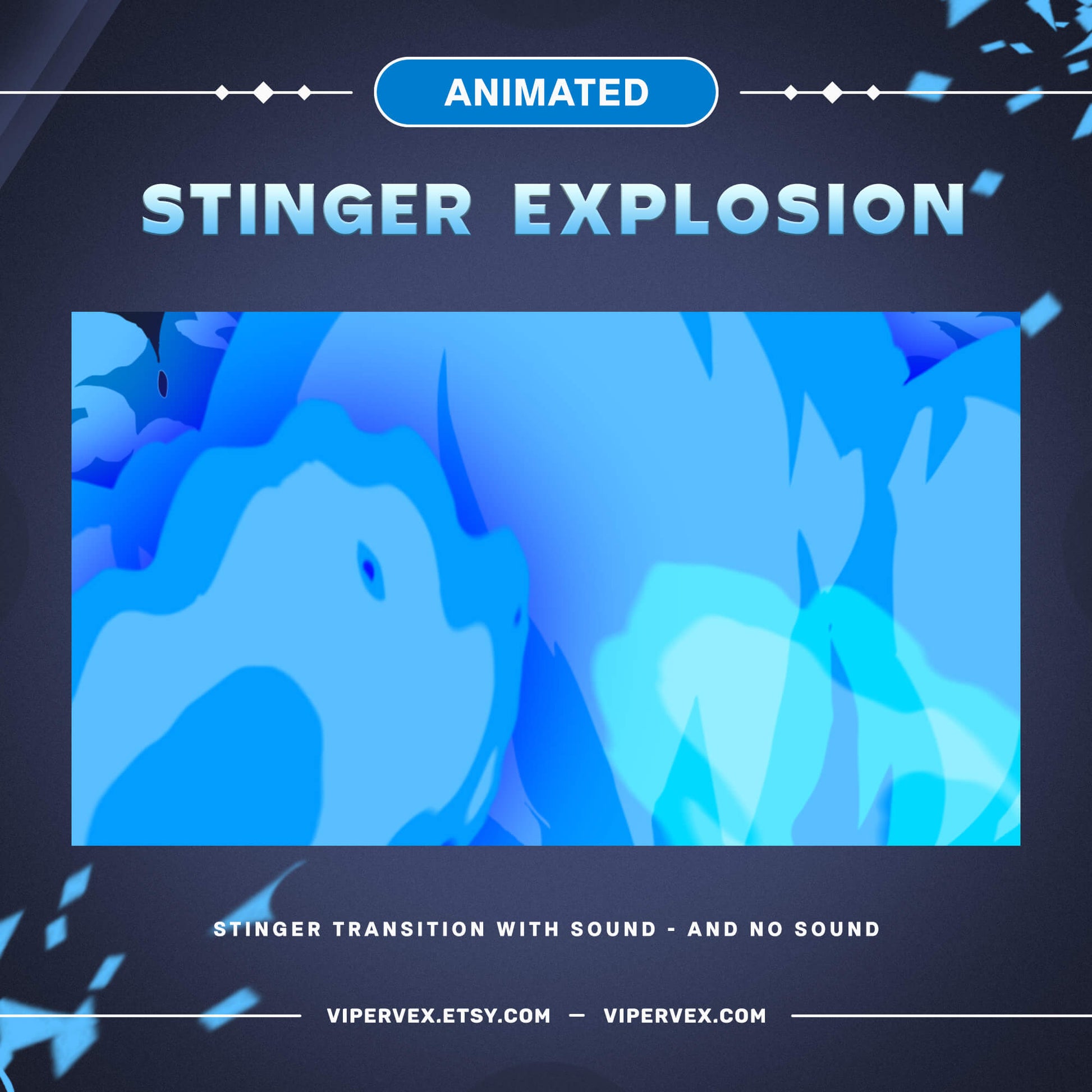
Blue Stinger Transition | OBS & Streamlabs Scene Cut
Regular price
$4.99 USD
Sale price
$4.99 USD
Regular price
$7.99 USD
Save 37%
Sold out
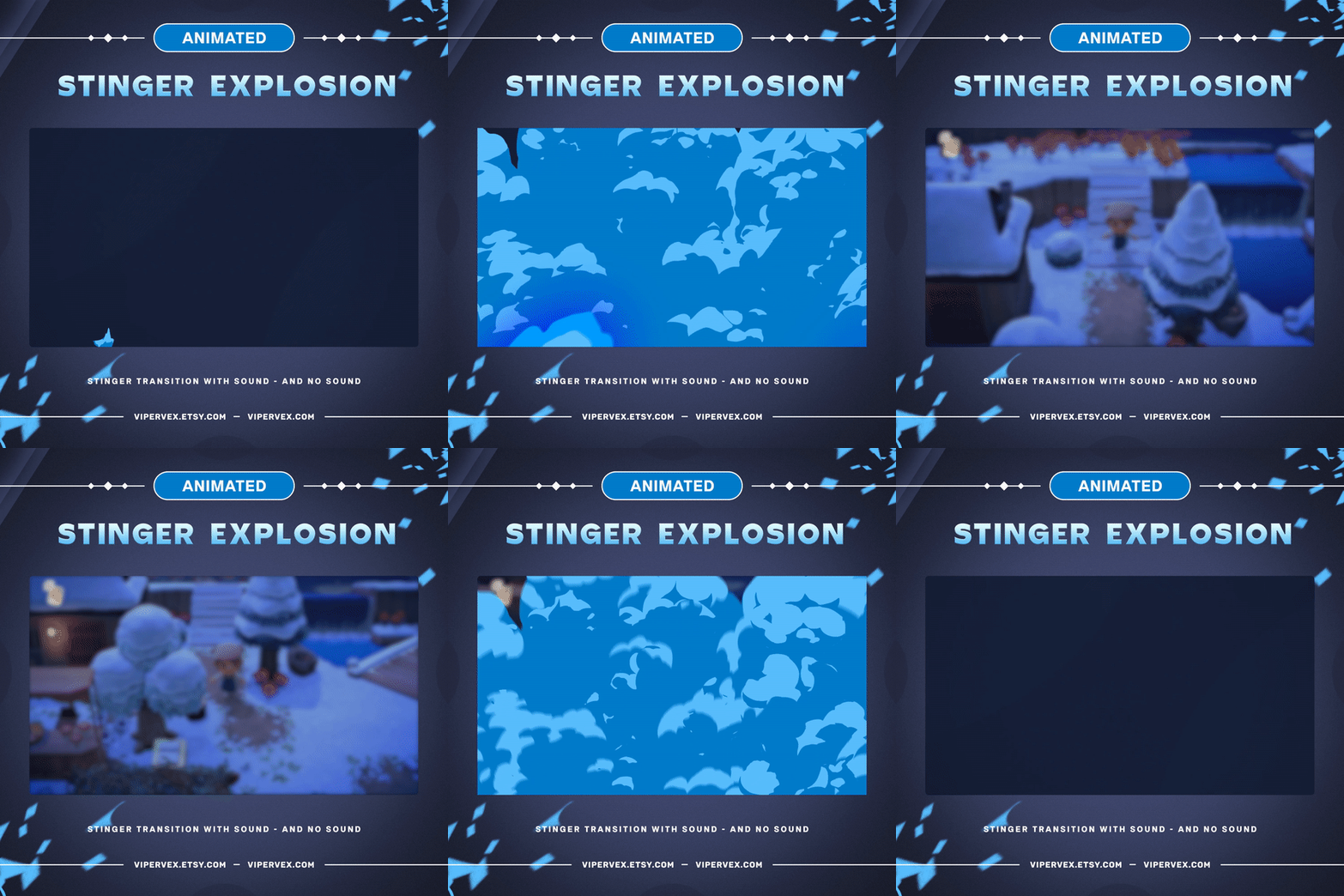
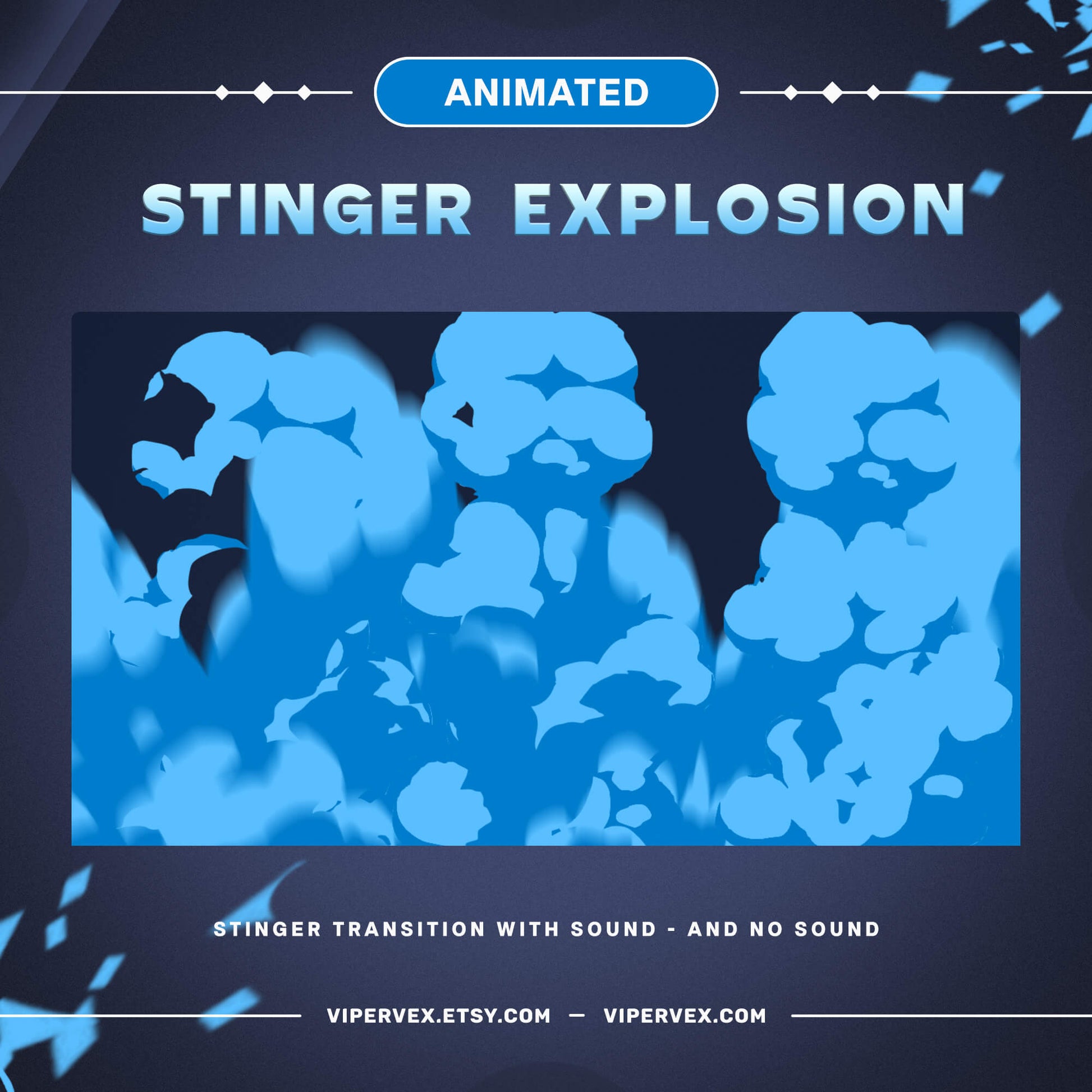
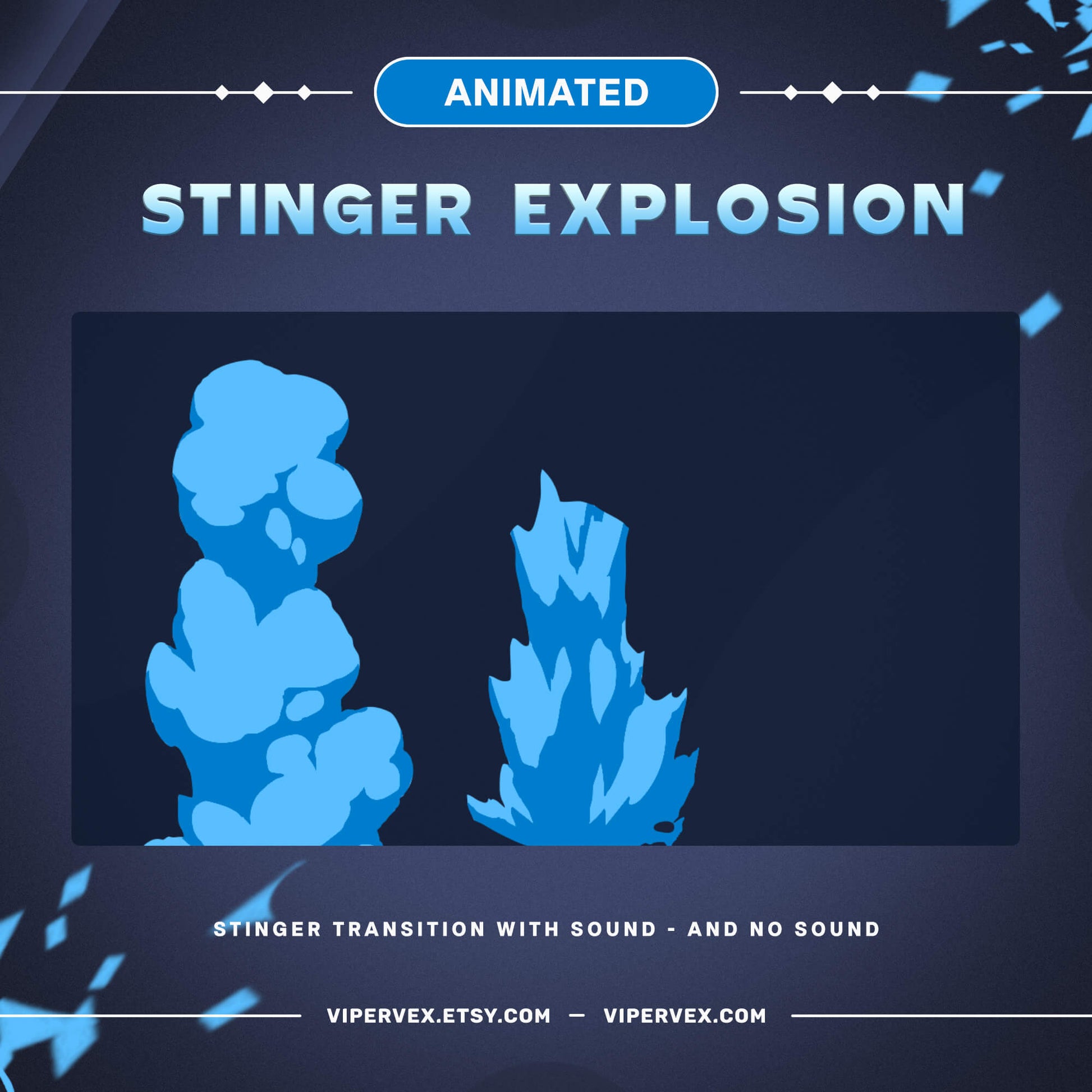
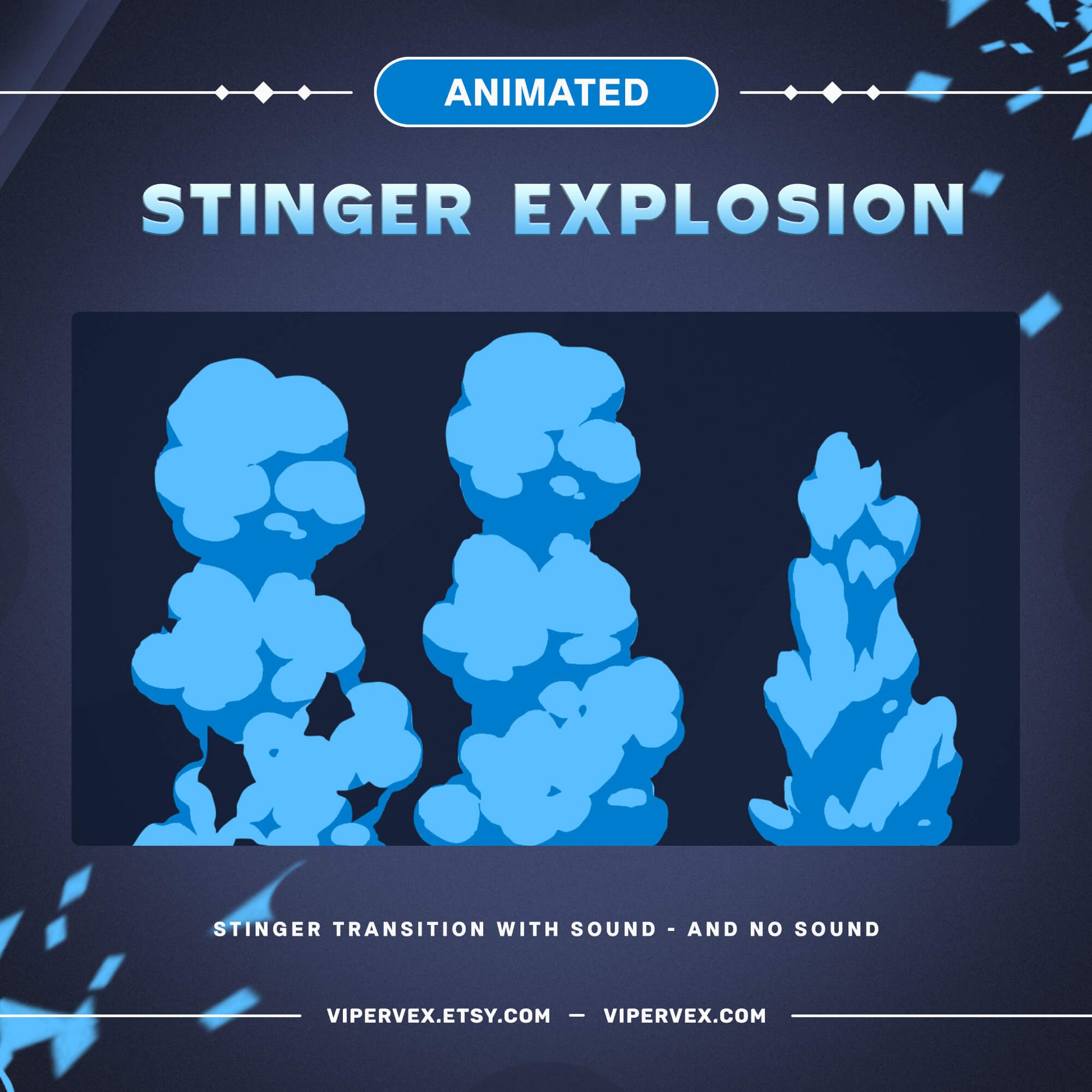
A clean electric-blue flash that cuts hard and snaps back in under two seconds — the OBS transition for streamers who want scene changes to feel deliberate, not accidental.
What's inside
- Stinger video — .mp4 with alpha, ~1.5 seconds at 60fps
- Backup .webm version for Streamlabs Desktop
- Sound sting — .wav embedded + standalone for layering
- Install guide for OBS, Streamlabs Desktop, and StreamElements
Compatibility
Software: OBS Studio 28+ (built-in Stinger Transition), Streamlabs Desktop, StreamElements.
Platforms: Twitch, Kick, YouTube Live, Facebook Gaming.
Resolution: 1920x1080 native, 60fps. Install time ~3 minutes.
FAQ
Works on Kick and YouTube? Yes — platform-agnostic files.
How do I install it? In OBS: Scene Transitions > + > Stinger > select your .mp4. Done in under 3 minutes.
Commercial licence? Yes — single-streamer use included. No resale.
Add to cart — switch scenes like you mean it.


