Collection: Stream Screens & Scenes

The gaps between gaming are part of the stream. A starting-soon screen that fits your aesthetic, a BRB scene that doesn’t look like a screensaver from 2009 — these are the small things that tell your chat “this person built their stream on purpose.”

What’s in this collection

Animated stream screens in looping MP4 and WEBM format. Scene types include: Starting Soon, Be Right Back (BRB), Just Chatting, End Screen, and Intermission — check each product listing for the full scene count.

Compatibility

Software: OBS Studio (as a Media Source scene), Streamlabs Desktop.
Formats: MP4 (OBS loop) + WEBM.
Resolution: 1920×1080 native.

FAQ

How do I use a stream screen in OBS?
Create a new scene → add a “Media Source” → point it at the MP4 → enable “Loop.” Switch to that scene when you step away.

Are these full-screen or overlays?
Full-screen scenes — designed to run as the entire output while you’re not live or between segments.

Do these match the stream overlay packs?
Yes — stream screens are themed to coordinate with their matching overlay pack for a consistent channel look.

3 products
Free Animated Stream Screen Pack | Starting Soon, BRB, Offline
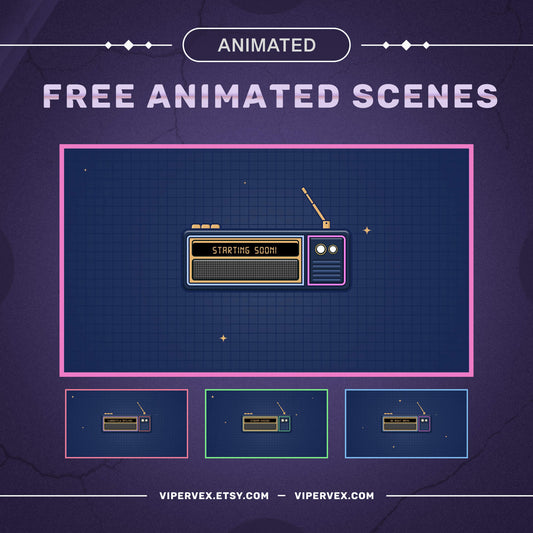
Free stream screen pack preview for Twitch — ViperVex

Free Animated Stream Screen Pack | Starting Soon, BRB, Offline
Regular price $0.00 USD
Sale price $0.00 USD Regular price
Christmas Lights Falling Snow Stream Screen Pack | Starting Soon, BRB, Ending
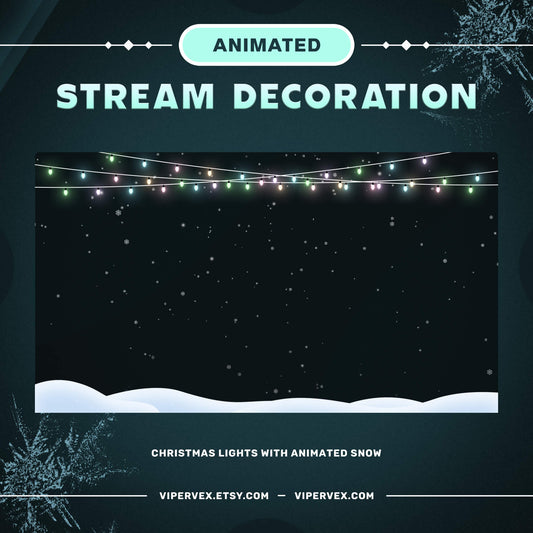
Christmas Lights stream screen pack preview for Twitch — ViperVex

Christmas Lights Falling Snow Stream Screen Pack | Starting Soon, BRB, Ending
Regular price $4.99 USD
Sale price $4.99 USD Regular price $7.99 USD
Word Bubble Widget | Twitch Chat Word Game Overlay
Word bubble widget with a prompt and chat answers popping onto the scene

Word Bubble Widget | Twitch Chat Word Game Overlay

Regular price $12.99 USD
Sale price $12.99 USD Regular price