Collection: Webcam Frames & Cam Overlays

Your face is half the stream. A webcam frame that fits your aesthetic makes the whole layout feel intentional — like you built this on purpose, not pieced it together from random free assets.

What’s in this collection

Webcam frame overlays in static PNG and animated WEBM with alpha transparency. Sizes cover standard webcam crops: 16:9 widescreen, 1:1 square facecam, and vertical/portrait for multi-cam setups.

Compatibility

Software: OBS Studio, Streamlabs Desktop, StreamElements.
Formats: PNG (static) + WEBM with alpha (animated).
Sizes: 16:9 standard, 1:1 square, and vertical crops.

FAQ

How do I add a webcam frame in OBS?
Add a “Media Source” (for animated WEBM) or “Image” source (for PNG) above your webcam layer in your scene. Scale to fit.

Do animated frames affect stream performance?
Animated WEBM overlays are GPU-composited in OBS. With hardware encoding enabled the performance hit is minimal.

Do these match the stream packs?
Yes — webcam frames within the same theme family are designed to coordinate with the full overlay packs in this store.

2 products
Christmas Snowflakes Webcam Overlay | Animated Cam Frame
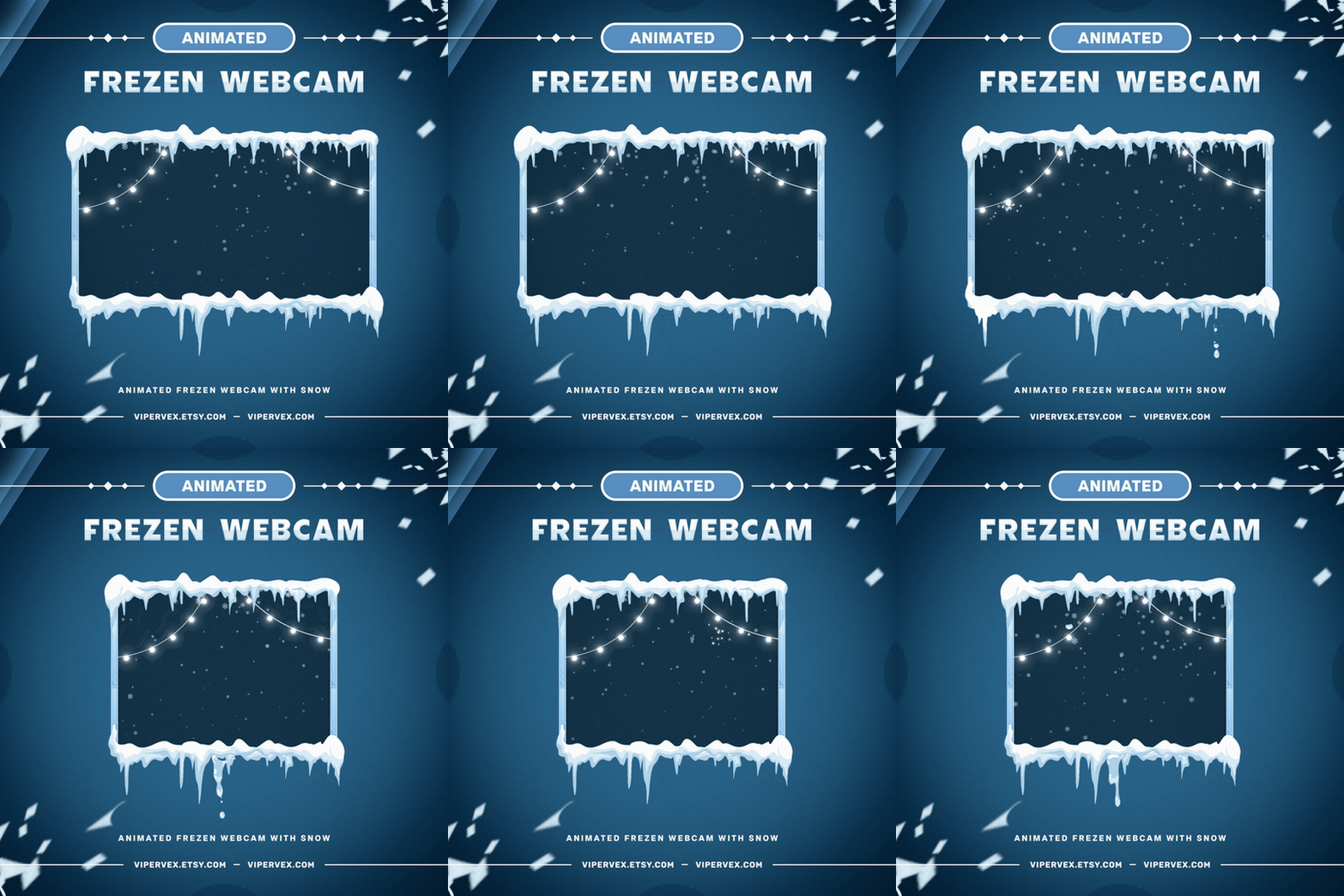
Christmas Snowflakes webcam overlay preview for Twitch — ViperVex

Christmas Snowflakes Webcam Overlay | Animated Cam Frame
Regular price $4.99 USD
Sale price $4.99 USD Regular price $7.99 USD
Pink Webcam Border Frame | Animated Cam Overlay
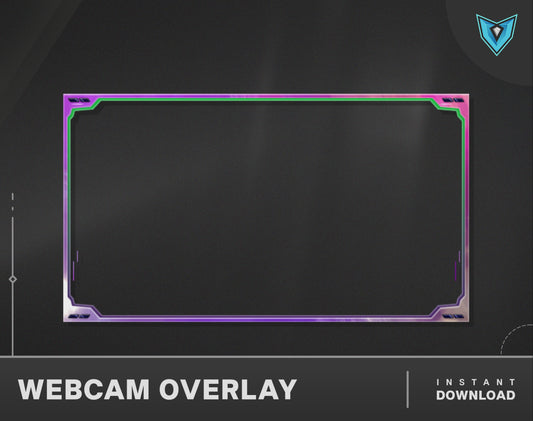
Pink Border animated webcam frame preview for Twitch — ViperVex

Pink Webcam Border Frame | Animated Cam Overlay
Regular price $3.99 USD
Sale price $3.99 USD Regular price $5.99 USD